
A simple guide to creating a calm, comfortable, and organized space for working from home and joining online peer support meetings.
Working from home or attending peer support meetings online can be easier when we have a comfortable space prepared for us.
We don’t need a fancy office or expensive equipment. A small, organized area with a few helpful items can make a big difference.
The goal is to create a space that helps us feel comfortable, stay focused, and participate in online meetings without unnecessary distractions.
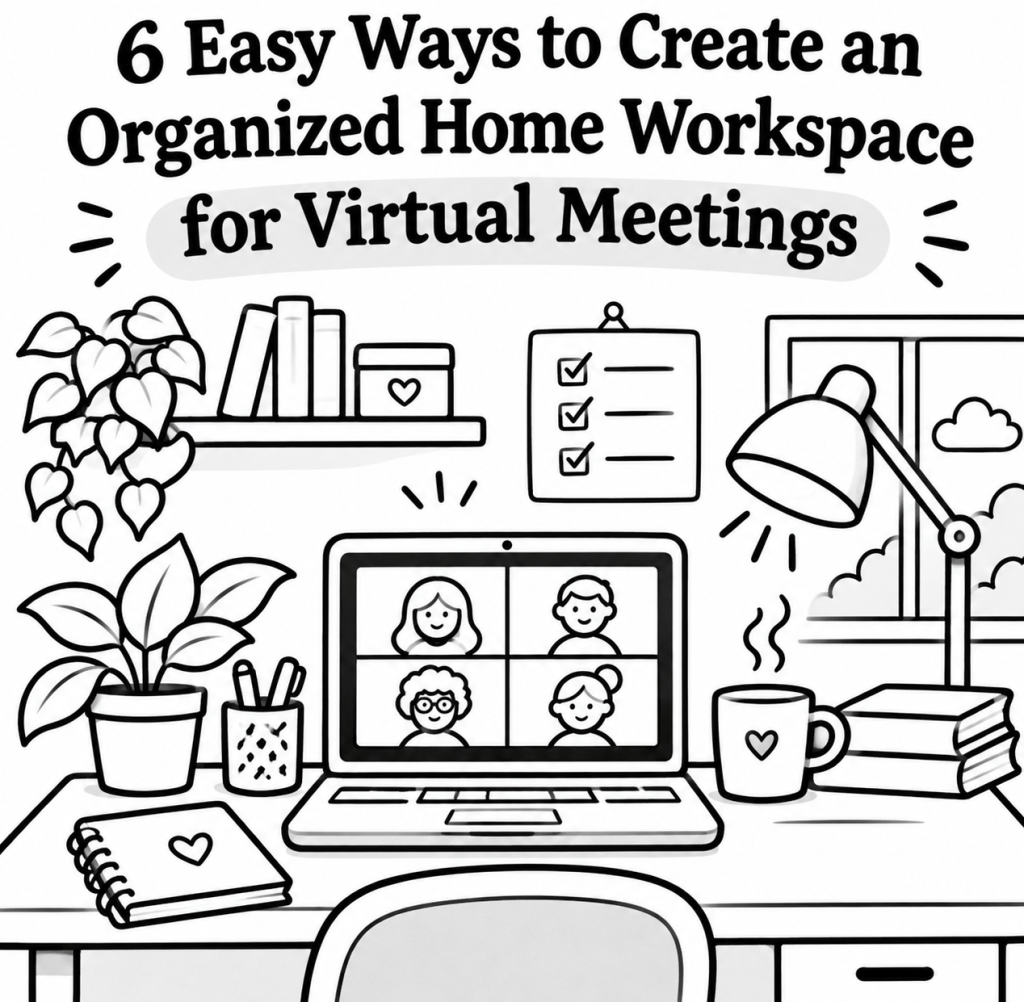
🌟 6 Easy Ways to Organize Your Home Workspace
1️⃣ Choose a Comfortable Spot
Find a quiet area in your home where you can work or join online meetings.
📍 Choose a spot where you feel comfortable.
🔇 Try to avoid busy areas with too much noise.
👜 Keep your essentials nearby.
💻 Make sure you have enough room for your computer and other supplies.
It doesn’t have to be a separate room. Even a small corner can become your workspace.
2️⃣ Set Up Your Computer and Screen
Position your computer so you can comfortably see the screen during meetings.
🖥️ Keep your screen at or slightly below eye level.
↔️ Sit at a comfortable distance from the screen.
💡 Adjust the screen brightness to suit your eyes.
👀 Place your computer where you can see the other meeting participants clearly.
If you use a laptop, a laptop stand or a few sturdy books can help raise the screen.
3️⃣ Prepare for Your Online Meetings
Before joining a peer support meeting, make sure your equipment is ready.
🌐 Test your internet connection.
📹 Check that your camera and microphone work.
🎧 Keep your headphones nearby.
🪑 Find a comfortable place to sit.
🔗 Keep your meeting link easy to access.
Having everything ready can help reduce last-minute stress.
4️⃣ Keep Your Workspace Organized
A cluttered space can make it harder to find what you need.
🧹 Remove items you don’t use regularly.
📓 Keep your notebook, pen, and other essentials nearby.
📌 Give important items a specific place.
📦 Put away supplies when you’re finished.
A simple workspace can help make everyday tasks feel more manageable.
5️⃣ Create Comfortable Lighting and Sound
Lighting and noise can affect how comfortable we feel during online meetings.
☀️ Sit near a window if natural light is available.
📸 Avoid bright light shining directly into your eyes or camera.
💡 Use a lamp if your space is too dark.
🚪 Close doors or windows if outside noise is distracting.
🎧 Use comfortable headphones if they help you hear more clearly.
Choose lighting and sound levels that feel comfortable for you.
6️⃣ Make Room for Comfort and Breaks
Online meetings and computer work can be tiring, especially when we need extra time to process information.
🪑 Choose a supportive chair.
🦶 Keep your feet comfortably supported.
💧 Have water nearby.
🤸 Keep a little space to stand, stretch, or move.
⏸️ Take breaks between meetings when possible.
Remember, you don’t have to sit in front of your computer all day without resting.
📦 10 Useful Items for Your Home Workspace
Use this checklist to prepare your space.
☐ 💻 Computer or laptop with reliable Wi-Fi
☐ 🎧 Comfortable headphones or earphones
☐ 📷 Webcam (if your computer doesn’t have one)
☐ 🎤 Microphone (optional)
☐ 🪑 Comfortable chair
☐ 📝 Notebook and pen
☐ 🔌 Charger and cable organizer
☐ 💧 Water bottle
☐ 🪴 Small plant or comforting decoration
☐ 🧘 A little space to stand, stretch, or take a break
You don’t need to buy everything. Start with what you already have at home.
♥️♥️🧠 Extra Tips for Brain Injury Survivors
Here are some additional suggestions for making your home workspace more brain-friendly.
🔇 Reduce noise: Choose a quieter area and use comfortable headphones if helpful.
💡 Adjust the lighting: Use soft, adjustable lighting if bright lights bother you.
📋 Keep meeting information handy: Write down the meeting time, meeting link, and any important details.
📝 Use one notebook: Keep track of questions, reminders, and things you want to share during your peer support meeting.
🧠 Do one thing at a time: Close unnecessary tabs and avoid multitasking during meetings.
⏸️ Take brain breaks: Give yourself time to rest before and after online meetings.
📁 Organize digital files: Keep important documents, meeting notes, and links in easy-to-find folders.
🎧 Adjust your participation: If you feel overwhelmed, you can take a short break or turn off your camera when appropriate for the meeting.
💕 Love Love Brain Thoughts
Creating a comfortable home workspace isn’t about having the perfect office. It’s about understanding what helps us feel comfortable, organized, and supported.
For people living with a brain injury, small changes can make everyday activities feel more manageable.
We can start with one small improvement at a time. Maybe it’s finding a quieter spot, keeping a notebook nearby, or preparing our meeting supplies before joining an online gathering.
Remember, our space should support our needs, not create more pressure.
💬 We’d Love to Hear From You!
Do you work from home or participate in online peer support meetings?
What helps you stay comfortable and organized during online meetings?
Share your ideas in the comments. Your suggestions might help someone else create a more comfortable space, too! 💗
📱 Follow and Support Love Love Brain
If this message speaks to you, please support Love Love Brain by following us on social media. 💗
Stay connected for more stories, reflections, helpful information, and supportive content about brain injury, recovery, resilience, and everyday life.
Click the buttons below to follow and support us on social media:
♥️ A Gentle Reminder: Everyone’s needs and abilities are different. These suggestions are for general educational and supportive purposes only. They are not medical advice or a substitute for guidance from a qualified healthcare professional.
♥️♥️🧠 Better Brain, Brighter Being.
With LOVE LOVE, always.


Do you Love Love YOUR Brain?